Launch day feels like the finish line. The site is live, the design looks sharp, and it finally represents your business the way you imagined it. But a website is not a one-time purchase like a piece of furniture, it is closer to a vehicle, and vehicles need regular servicing to keep running well.
Many businesses learn this the hard way: six months after launch, the site is slower, a plugin conflict has broken the contact form, and nobody noticed because nobody was checking. Website maintenance is the unglamorous, easy-to-postpone work that determines whether your site keeps performing or slowly decays.
What Actually Breaks After Launch
A website is a living system made of interdependent parts of your CMS core, themes, plugins, hosting environment, SSL certificate, and third-party integrations. Any one of these can change independently of the others:
- CMS and plugin updates are released constantly, often patching security vulnerabilities. Skipping them leaves known, publicly documented security holes open on your site.
- Plugin conflicts emerge when one update changes behaviour that another plugin depended on, sometimes silently breaking a form, a checkout flow, or a page layout.
- SSL certificates expire, and when they do, browsers show visitors a frightening “not secure” warning before they even see your homepage.
- Broken links accumulate naturally as you update pages, remove products, or restructure your site, quietly damaging both user experience and SEO.
- Uncompressed media piles up over time as new images and files are added without optimisation, gradually slowing the site down.
None of these are dramatic on their own. But left unmanaged for months, they compound into a website that is slower, less secure, and quietly losing the trust of both visitors and Google.
The Security Risk Nobody Thinks About Until It Happens
WordPress alone powers a significant share of the world’s websites, which makes it a constant, high-value target for automated attacks. Outdated plugins and themes are the single most common entry point for hacked websites. Once compromised, a site can be used to inject spam links, redirect visitors to malicious pages, or simply be defaced and recovering from a hack often costs far more in time and reputation than years of routine maintenance would have.
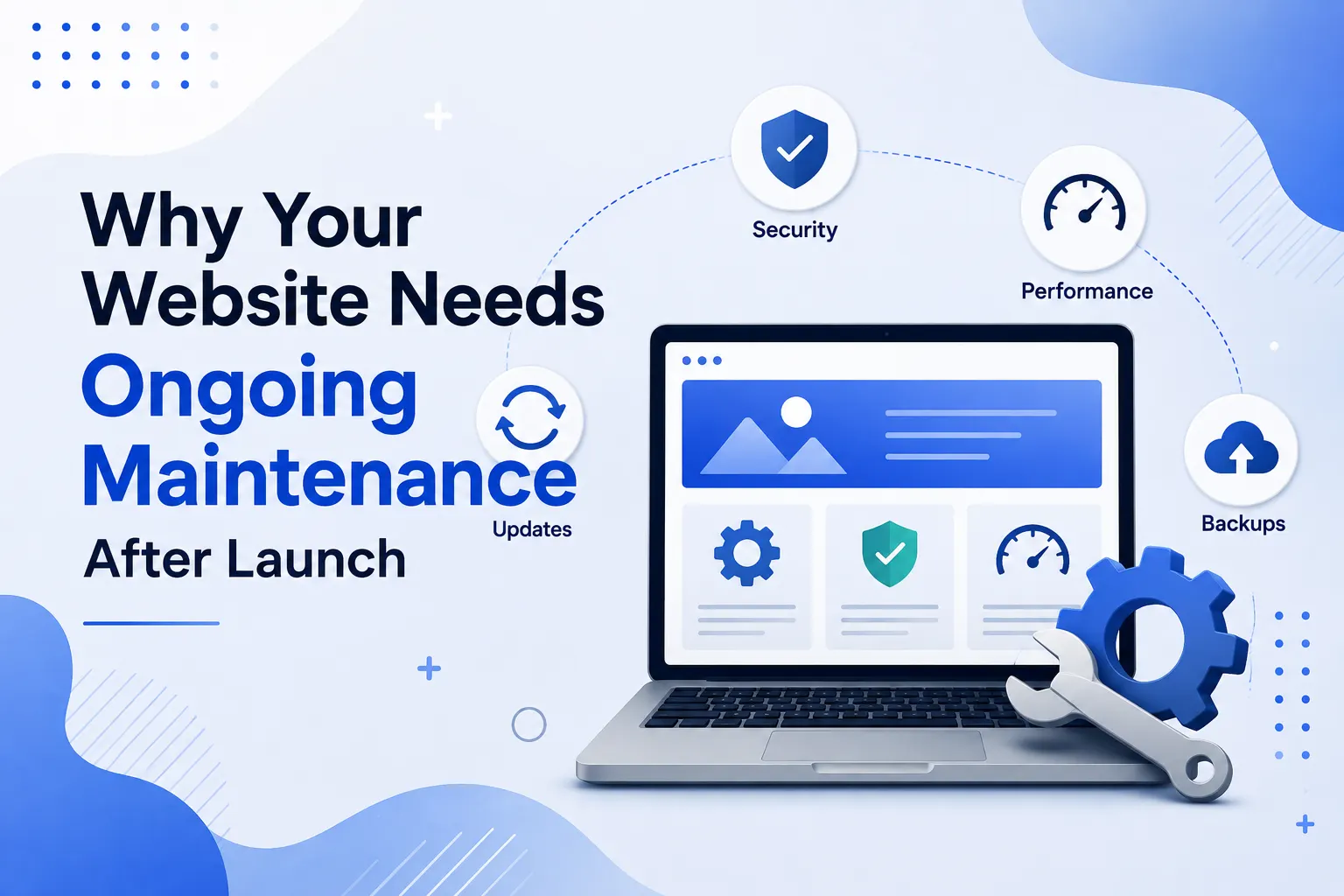
A basic maintenance routine core and plugin updates, a reputable security plugin, and regular backups closes the vast majority of these entry points before they become a problem.
SEO Doesn’t Stand Still Either
Search engines reward sites that are actively maintained and penalise ones that quietly decay. A site with broken links, outdated content, slow load times, or accumulating 404 errors sends weak signals to Google, even if the original SEO work was done well at launch.
Maintenance-related SEO tasks that matter most:
- Fixing broken internal and external links before they accumulate.
- Monitoring Core Web Vitals and page speed, since both are direct ranking factors and tend to degrade as more content, plugins, and scripts are added over time.
- Refreshing outdated content statistics, dates, screenshots, and offers that no longer reflect reality actively hurt credibility and rankings.
- Checking Google Search Console monthly for crawl errors, security issues, or manual actions that need attention.
A website that was perfectly optimised at launch can lose most of that advantage within a year of neglect not because anything dramatic went wrong, but because dozens of small things quietly slipped.
Backups: Your Insurance Policy
Every website should have automated, regularly tested backups stored off the live server. This single habit is the difference between a hack, a bad update, or a hosting failure being a minor inconvenience (restore from yesterday’s backup) versus a catastrophic event (rebuilding the site from scratch).
A proper backup routine includes:
- Automated daily or weekly backups, depending on how frequently your content changes.
- Backups stored in a separate location from your hosting server.
- Periodic test restores, since a backup you have never tested is not a backup you can rely on.
What a Good Maintenance Routine Actually Looks Like
For most small and mid-sized business websites, a realistic monthly maintenance routine includes:
- Updating the CMS core, theme, and all plugins in a staging environment first, then pushing to live once confirmed stable.
- Running a full backup before and after any updates.
- Checking for broken links and fixing or redirecting them.
- Reviewing page speed and Core Web Vitals.
- Scanning for security vulnerabilities or malware.
- Reviewing analytics for any unusual drops in traffic that might indicate a technical issue.
- Testing key conversion paths contact forms, checkout, booking systems to confirm they still work end to end.
This is roughly 2–4 hours of focused work a month for a typical business site, a small investment compared to the cost of downtime, a hack, or a slow, silent decline in search rankings.
The Cost of Neglect vs. The Cost of Maintenance
Business owners often view maintenance as an unnecessary recurring expense, especially when nothing appears to be wrong. But the comparison is rarely fair, because the cost of neglect is invisible until it isn’t:
- A hacked site can take days to clean and may suffer a lasting SEO penalty.
- Extended downtime during a peak sales period can cost far more in lost revenue than a year of maintenance would.
- A slow, outdated site steadily loses both search rankings and the trust of new visitors, both of which are expensive to rebuild.
Compared against these risks, a modest monthly maintenance retainer is one of the least expensive forms of insurance a business can buy for its most important digital asset.
Treat Your Website Like the Business Asset It Is
A website is not a brochure you print once and forget. It is closer to a storefront that needs its locks checked, its shelves restocked, and its lighting maintained quietly, in the background, so customers never have a reason to notice anything is wrong.
Businesses that treat maintenance as a core part of owning a website, rather than an afterthought, consistently end up with sites that are faster, more secure, and more effective a year later while their competitors who skipped it are often starting to wonder why their traffic quietly dropped.
Signs Your Website Needs Maintenance Right Now
If you are unsure whether your site has already fallen behind, a few warning signs are worth checking today:
- A login screen or admin dashboard showing multiple pending updates that have been sitting unaddressed for weeks or months.
- Noticeably slower load times compared to when the site first launched, especially on mobile.
- Contact forms, checkout flows, or booking widgets that have not been personally tested in the last few months.
- A drop in organic traffic in Google Analytics with no obvious external cause.
- No one on your team can confidently say when the site was last backed up, or where that backup is stored.
Any one of these on its own is manageable. Several of them together usually mean the site has been running unattended for longer than is safe.
How to Choose a Maintenance Plan
Not every business needs the same level of maintenance. A useful way to think about it:
- Basic plans typically cover core, theme, and plugin updates, security monitoring, and monthly backups appropriate for a simple informational website with low daily traffic.
- Standard plans add uptime monitoring, page speed checks, broken link audits, and a small allowance of monthly content updates, a reasonable fit for most active business websites.
- Premium plans include proactive performance optimization, more frequent backups, priority support for urgent issues, and ongoing SEO health checks better suited to e-commerce stores or lead-generation sites where downtime directly costs revenue.
When evaluating a maintenance provider, ask specifically what is included, how quickly they respond to a site-down emergency, and whether backups are tested periodically rather than simply scheduled and forgotten. A maintenance plan is only as good as the response you get when something actually goes wrong.
Building Maintenance Into Your Budget From Day One
The businesses that handle this best are the ones who budget for maintenance from the very start, as a normal recurring cost of doing business online the same way they would budget for electricity or rent rather than treating it as an optional extra to consider only after something breaks. A website is one of the few business assets that keeps working for you around the clock; a small, consistent investment in keeping it healthy is what makes sure it keeps doing that.